
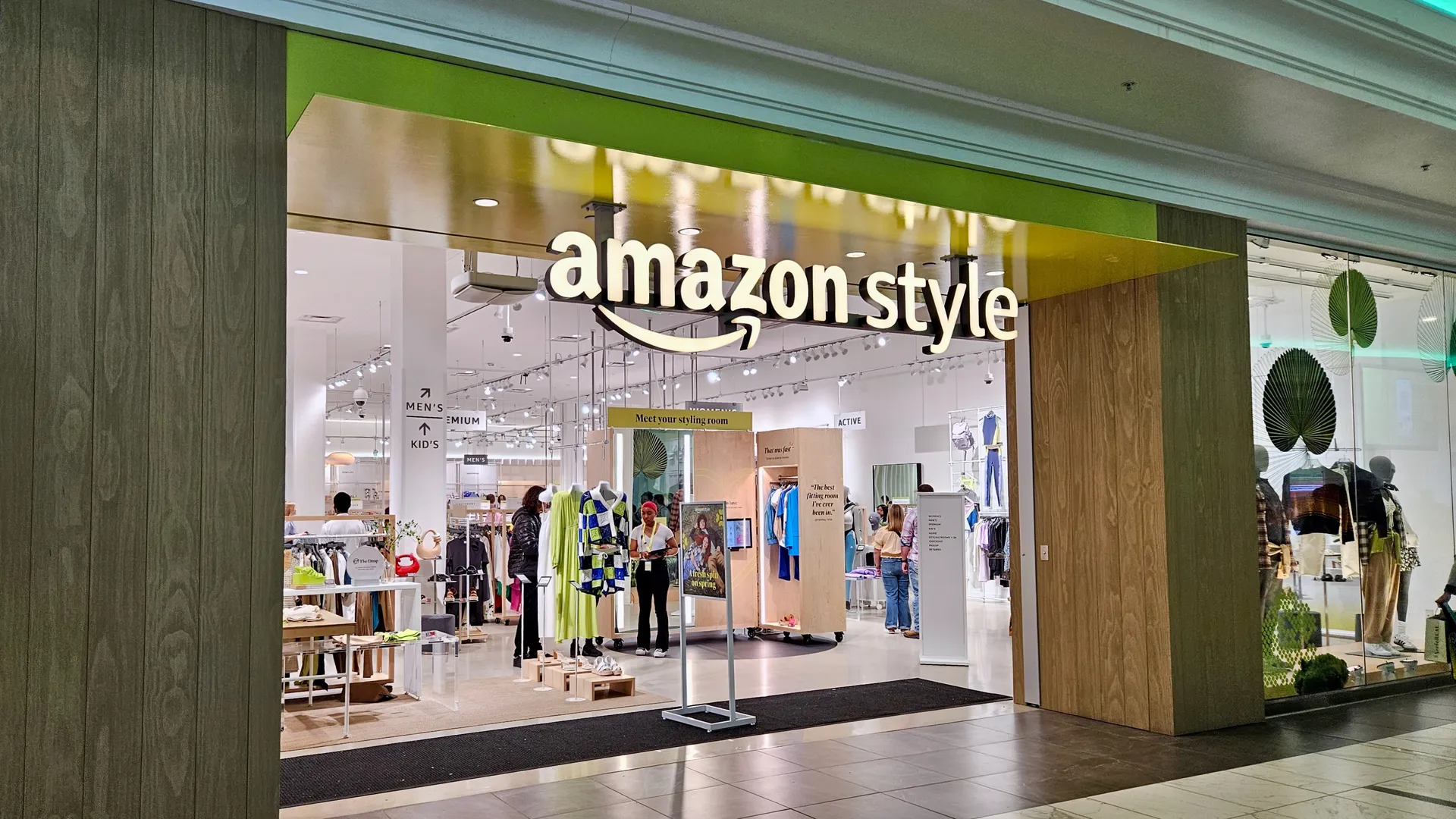
Open Amazon and search for almost anything, and you’ll get thousands of results. Many look identical. Some are excellent, some are mediocre, and a few are not what they appear to be. The Amazon shop works well once you know how it’s organized and who is actually selling you the product.
This guide covers how the marketplace works, what the different kinds of “shops” inside it mean, and the habits that help you buy better and return less.
What “Amazon Shop” Actually Means
People use the phrase for a few different things:
- The main Amazon Shop. The marketplace where you search, compare, and buy.
- Brand stores. Custom pages that companies build inside Amazon to show their full range, usually reachable by clicking the brand name under a product title.
- Creator storefronts. Pages where influencers and publishers curate products they recommend. If you buy through one, the creator may earn a commission, which doesn’t change your price.
- Third-party seller shops. Independent businesses selling through Amazon, each with its own seller profile and ratings.
The distinction matters because the experience, and your protection if something goes wrong, can differ depending on who is selling and who is shipping.
Know Who Is Selling and Who Is Shipping
On a product page, look near the buy button for two lines: who the item is sold by and who it ships from. There are three common combinations:
- Sold and shipped by Amazon. Usually the simplest route for returns and customer service.
- Sold by a third party, fulfilled by Amazon. The seller owns the inventory, but Amazon Shop, packs, and ships it. Delivery is typically reliable, though the seller sets some of the terms.
- Sold and shipped by a third party. Delivery times, packaging, and support depend heavily on that seller. Check the seller’s rating and read their recent feedback before you buy.
None of these is automatically bad. Plenty of excellent small businesses sell on Amazon. But a low price from an unfamiliar seller with thin feedback deserves a second look.
How to Read Reviews Without Getting Fooled
The star average is the least useful part of a review section. A few better habits:
- Read the three-star reviews first. They tend to be the most specific about what works and what doesn’t.
- Filter for recent reviews. Products change. A well-reviewed item from three years ago may have been redesigned or made cheaper.
- Look for detail. Genuine reviews mention how long someone used the item, what they compared it to, or what went wrong. Vague praise that could apply to any product is a weak signal.
- Watch for review clusters. Many glowing reviews posted within a few days, or reviews that describe a different product, can mean the listing has been merged with another item or inflated.
- Check the photos and questions. Customer photos often show real size and quality better than the listing images do.
Amazon works to detect fake reviews, but none of these systems is perfect, so a little skepticism helps.
Finding Real Deals
A strikethrough “list price” doesn’t prove you’re getting a discount. Some list prices are rarely or never charged. To find out whether a deal is real:
- Check the price history. Browser tools and sites such as Keepa and CamelCamelCamel track how a product’s price has moved over time.
- Compare with other retailers. Amazon is often competitive but not always the cheapest, especially for electronics and household goods.
- Consider Warehouse and open-box options. Returned or lightly used items can cost less, but read the condition description and the return terms.
- Use Subscribe & Save carefully. It can lower the price on things you reliably use, like cleaning supplies or pet food. Review your subscriptions occasionally so you don’t pay for stock you no longer need.
- Be realistic about sale events. Big sale days can bring real savings on some items and unremarkable pricing on others. Prices you’ve tracked beforehand tell you which is which.
How to Use Brand and Creator Storefronts
Brand stores are useful when you’ve already decided you like a company. You can see the whole catalog, bundles, and sometimes exclusive items in one place. They’re less useful for comparing across brands, since each page is designed to show its own products in the best light.
Creator storefronts can save research time, particularly in categories like kitchen gear, books, or tech accessories where a trusted person has done the testing. Keep in mind that curation is not the same as independent review. Many creators disclose that they earn commissions, and the good ones recommend items they’ve actually used. Treat their picks as a shortlist, then verify with reviews and price checks.
A Simple Step-by-Step Routine
- Search with specific terms (product type, size, key feature) rather than a vague phrase.
- Open two or three promising listings and compare them side by side.
- Check the seller and shipping line.
- Read the three-star and most recent reviews.
- Look at the return policy shown on the page, since it varies by item and seller.
- Check the price history if the purchase is more than a minor expense.
- Buy, and save the order confirmation until you’re sure you’re keeping it.
Common Mistakes
- Buying the first sponsored result. Sponsored listings are paid placements. They may be fine, but they aren’t ranked by quality alone.
- Ignoring variations. Size, color, and pack-size options can have different prices and sometimes different reviews. Make sure you’re looking at the exact one you’re buying.
- Trusting the brand name alone. Some listings imitate known brands. Confirm the item is sold by the brand or an authorized seller.
- Skipping the return terms. Returning an item bought from a third-party seller can be slower or more restrictive than returning one sold by Amazon.
- Chasing Prime shipping on everything. Fast delivery is convenient, but a slightly slower option from a reliable seller can be cheaper and just as good.
Practical Tips
- Use the “Compare with similar items” section as a starting point, not a verdict.
- Keep a wish list for items you’re not sure about. Price drops and your own second thoughts are both useful.
- For gifts, check whether gift receipts and return windows are extended for the product.
- Be cautious with supplements, baby products, and safety equipment. Prefer well-known brands and check whether the seller is authorized.
- If something looks wrong, such as odd packaging or a missing seal, contact Amazon support promptly rather than waiting.
Final Thoughts
The Amazon shop rewards people who slow down for about two minutes before buying. Knowing who sells and ships the item, reading reviews critically, and checking whether a discount is real removes most of the risk. Brand stores and creator storefronts can make the search easier, as long as you remember whose interests they serve. A few habits will do more for you than any single trick.
FAQ
What is the Amazon shop?
It usually means Amazon’s online marketplace. It can also refer to brand stores, creator storefronts, or the shop pages of individual third-party sellers inside Amazon.
Is it safe to buy from third-party sellers on Amazon?
Often yes, but quality varies. Check the seller’s rating, recent feedback, and whether Amazon Shop handles fulfillment, which tends to make shipping and returns smoother.
How can I tell if a review is fake?
Look for vague praise, bursts of reviews on the same dates, or reviews that describe a different product. Detailed reviews with photos and specific use cases are generally more reliable.
Is Amazon always the cheapest option?
No. It’s frequently competitive, but prices vary by product and time. Comparing with another retailer or checking price history takes a minute and can save real money.
What’s the difference between a brand store and a creator storefront?
A brand store is built by a company to showcase its own products. A creator storefront is a curated page by an individual, who may earn a commission on purchases made through it.
Do Amazon storefront purchases cost more?
Generally no. Buying through a creator’s page shouldn’t change your price, though the creator may be paid a commission.
Can I return items bought through the Amazon shop?
Usually yes, but windows and conditions vary by product and seller. Check the return information on the listing before you buy.